MIDI Control for Live Show Workflows

MIDI Show Control Software for OSC, WebRemote, Lighting, Audio & Video Workflows

Use knobs, faders and buttons with OSC, WebRemote and show control systems. LiveBridge is professional MIDI show control software for lighting, audio, video and live production workflows.
Proseniq LiveBridge MIDI show control software for OSC and WebRemote workflows
MIDI Controllers
OSC
WebRemote
Show Control

Test before you buy.

Download the free version and verify that Live Bridge fits your workflow before upgrading.

Download Free Version

Stop fighting menus during shows.

Control your software with real hardware — not a mouse.

Faster operationPut important actions on real controls.
Cleaner setupsTravel with one compact controller.
Reusable layoutsSave workflows for recurring jobs.

30-second workflow demo

Designed for real production workflows

Create the control layout you need for the current job, then expand it as the setup grows.

Live Bridge layout building view

Build only what you need

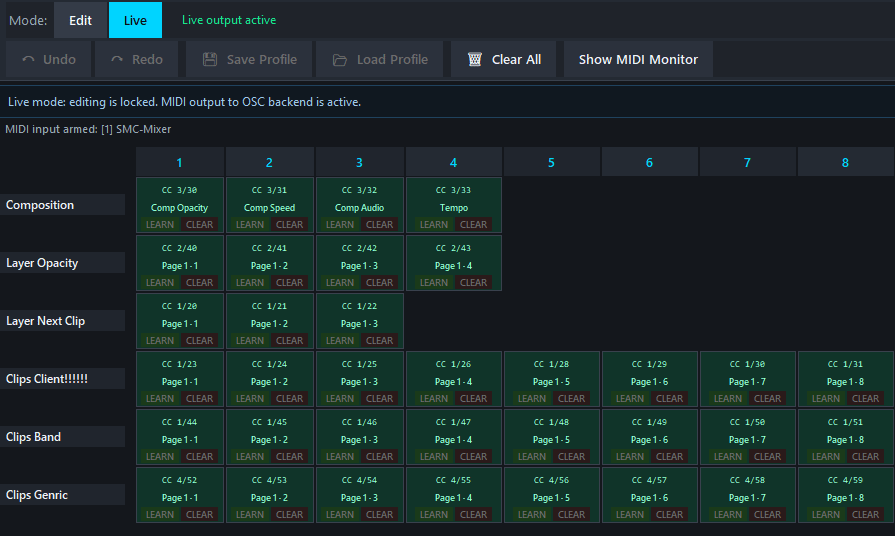
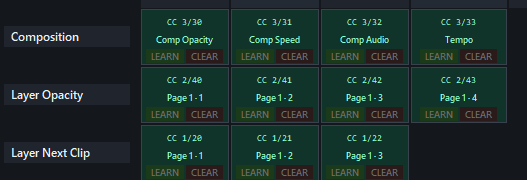
Create compact control pages for playback, triggering, levels, transport, cue actions and show-specific tasks.

Map your workflow, not someone else's

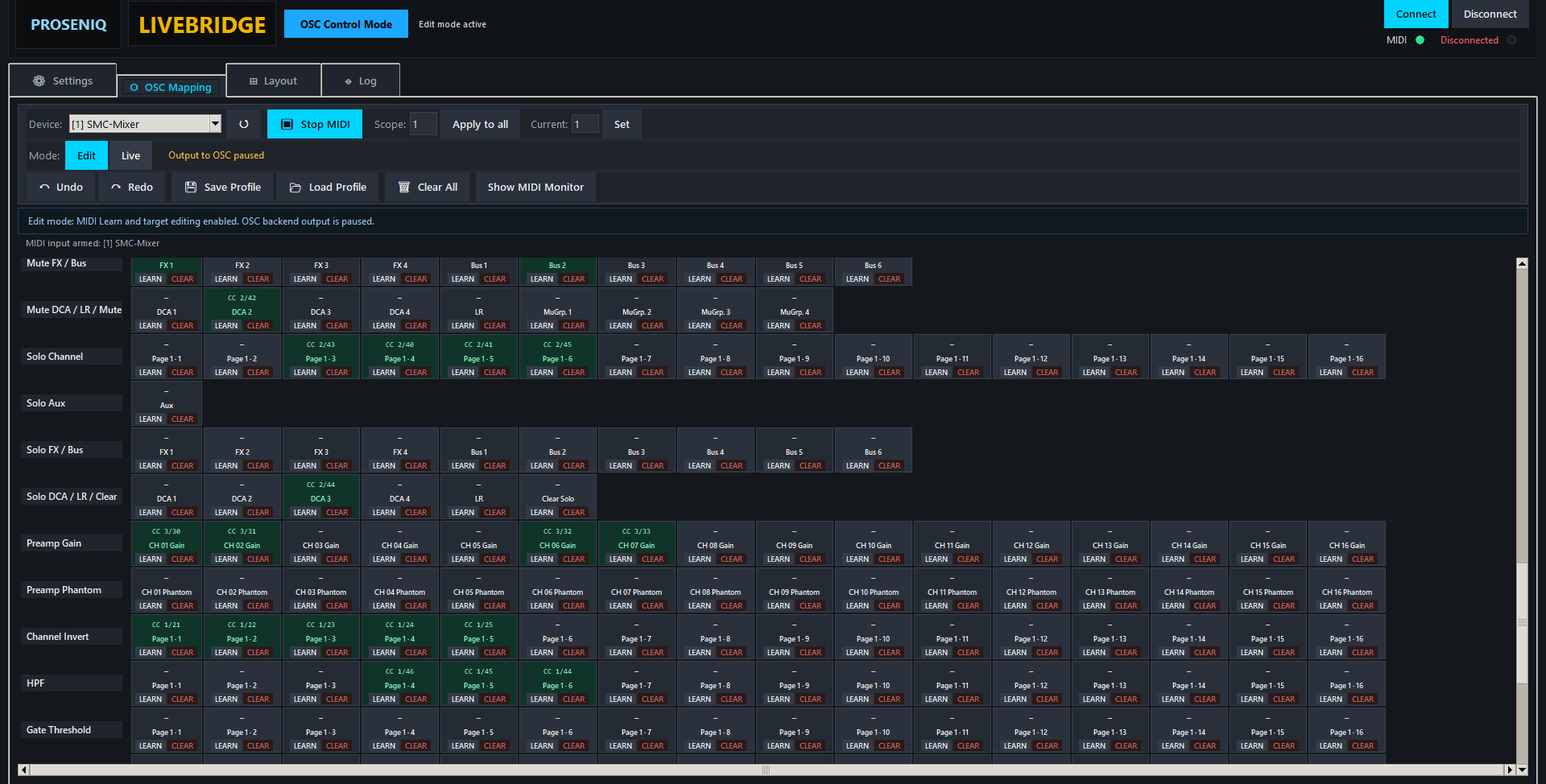
Assign MIDI events to practical actions and structure your controls around the way you actually operate live.

Live Bridge mapping workflow view
Live Bridge full interface overview

Scale from small rigs to bigger systems

Start with one control module and upgrade when you need more mapping events or simultaneous control modules.

Professional MIDI Show Control for Live Productions

Proseniq LiveBridge is designed for live production environments where fast and tactile control matters. Use MIDI controllers, encoders, faders and buttons to control lighting systems, video playback software, audio applications and OSC-based workflows.

LiveBridge supports practical workflows for grandMA2 compatible systems, dot2 compatible setups, Resolume Arena, QLab, Reaper and custom OSC environments.

Build custom MIDI layouts for cue triggering, playback control, transport functions, executor handling, encoder mapping and live show operation.

Start faster with ready-made workflow layouts

Ready-made compatible layouts are included as starting points for OSC and WebRemote workflows. Customize them for your own production and save time during setup.

grandMA2® compatible layout
dot2® compatible layout
grandMA3® compatible layout
Reaper® compatible layout
Resolume Arena® compatible layout
QLab® compatible layout
X18 / M18 mixer layout

Why professionals choose Live Bridge

No coding

Build mappings visually. No scripting required, reusable mapping files, clear live/edit separation.

🎧

Compact hardware

Use small MIDI controllers. Ideal for mobile setups, reduces desk clutter and cable mess.

Show focused

Lighting, audio and video workflows. Fast access to key actions and practical layout structure.

Expandable

Start free, upgrade event limits, add simultaneous modules when your setup grows.

See it in action

Watch how a compact MIDI controller becomes a practical control surface for real show workflows.

▶ Open Tutorial Playlist ☷ Open Tutorial Hub

System requirements

Minimum

  • Quad-core CPU (Intel i5 / AMD Ryzen 5 or better)
  • 8 GB RAM
  • Windows 10 / 11 (64-bit)
  • USB MIDI device
  • Network connection

Recommended setup

  • SSD storage
  • Wired network (LAN)
  • Direct USB connection (no hubs)
  • Minimal background applications

Choose the version that fits your setup

Take control of your workflow.

Start with the free version, test your setup and upgrade when your production needs more capacity.

Download Free Version
Contact

Get in touch

Questions about Live Bridge, licensing or your workflow setup? Send a message and we'll get back to you.

Frequently Asked Questions

Can LiveBridge control grandMA2?

Yes. LiveBridge supports WebRemote compatible workflows and MIDI mapping for grandMA2 compatible systems.

Does LiveBridge support OSC?

Yes. LiveBridge includes OSC workflows for audio, video and lighting applications.

Which MIDI controllers work with LiveBridge?

Most standard USB MIDI controllers are compatible.

Can I use LiveBridge with Resolume Arena?

Yes. Ready-made compatible layouts for Resolume Arena are included.